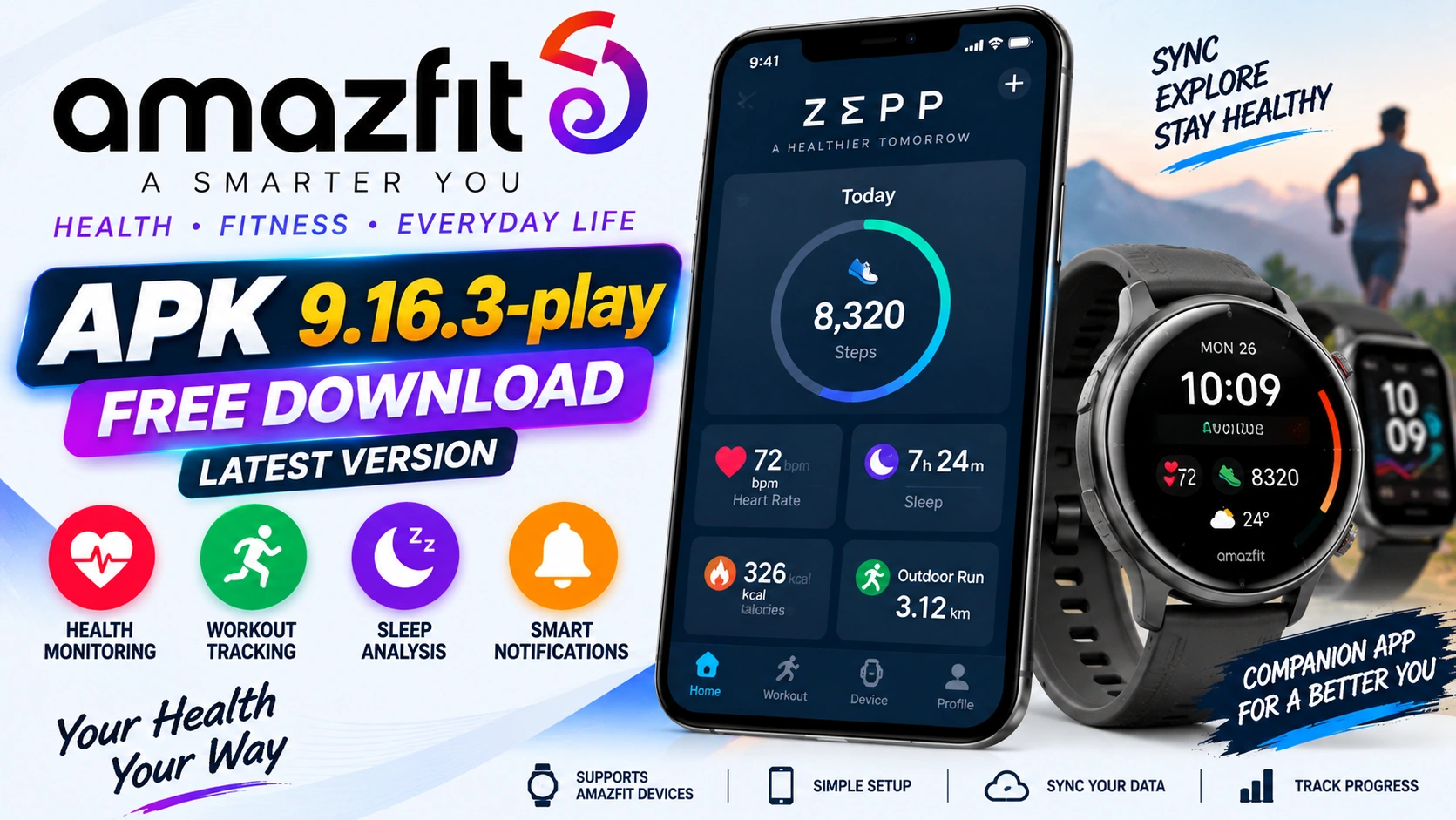
Amazfit App APK 9.16.3-play Free Download Latest Version is a popular search topic for Android users who own Amazfit smartwatches, fitness bands, and health tracking devices. Many users search for the Amazfit app because they want to pair their watch, sync health data, track workouts, manage notifications, update watch firmware, check sleep data, and personalize watch settings from one place.
The official companion app for Amazfit devices is now known as Zepp. Amazfit’s official FAQ says the Zepp app is the companion app for Amazfit smartwatches, and Amazfit support pages tell Android users to download the Zepp app from Google Play.
Version 9.16.3-play appears on Android APK version pages as a release for Zepp. APKMirror lists Zepp 9.16.3-play by Zepp, Inc., with Android 7.0+ support and ARM architecture details. However, app versions change often, so users should always check Google Play or the official Amazfit app page before installing an older file.
This article explains Amazfit App APK 9.16.3-play, Zepp app features, safe download steps, smartwatch pairing, syncing, notification setup, APK safety tips, pros, cons, and FAQs.
What Is the Amazfit App?
The Amazfit App is commonly used as a search name for the Zepp app, the official mobile app used with Amazfit smartwatches and fitness trackers. It connects your watch to your Android phone and helps you view health, fitness, sleep, workout, and device settings.
Amazfit’s official FAQ says the Zepp app is used with Amazfit smartwatches, and another official FAQ says users can find the Zepp app in Google Play for Android and the App Store for iOS.
The app is useful for:
Pairing Amazfit watches
Viewing health data
Tracking activity records
Checking sleep reports
Syncing workouts
Managing watch faces
Setting notifications
Updating device firmware
Connecting with fitness services
Adjusting watch settings
For most Amazfit users, the Zepp app is necessary because the watch and phone work better when they are properly connected.
Official App Information
Here are the key official details:
- Current app name: Zepp
- Common search name: Amazfit App
- Developer shown on Google Play: Zepp, Inc.
- Android package: com.huami.watch.hmwatchmanager
- Official use: companion app for Amazfit devices
- Official Android source: Google Play
- Support email shown on Google Play: support@amazfit.com
- Official FAQ: Zepp app is free to use with every Amazfit device.
These details are important because many APK websites may use the old Amazfit name, while the official app is now listed as Zepp.
About Amazfit App APK 9.16.3-play
Amazfit App APK 9.16.3-play refers to a Zepp Android release listed on APK version pages. APKMirror lists Zepp 9.16.3-play by Zepp, Inc. and shows Android 7.0+ support for that release. Uptodown also lists 9.16.3-play as an older Zepp release for Android 7.0+.
Users may search for version 9.16.3-play because:
They need an older release for compatibility.
Their current app is not working properly.
They saw this version on a download page.
They want direct Android installation.
They want to compare app versions.
They need a release that supports their device.
However, version 9.16.3-play may not be the newest app release now. Google Play and APK version pages may show newer Zepp versions depending on device and region.
Is 9.16.3-play the Latest Version?
No, 9.16.3-play should not automatically be treated as the latest version. It is a known Android release, but newer Zepp builds may already be available. APKMirror’s Zepp listing shows newer upload activity after 9.16.3-play, and the Google Play listing should be treated as the safest source for the current release available to your device.
For most users, the latest official store version is better because it may include:
Bug fixes
Better watch pairing
Improved syncing
New device support
Security updates
Better app stability
Updated watch features
Use version 9.16.3-play only if you have a clear reason and trust the source.
Main Features of the Amazfit / Zepp App
1. Smartwatch Pairing
The Zepp app helps pair Amazfit smartwatches and fitness bands with Android phones. Official Amazfit support pages tell users to download the Zepp app from Google Play or scan the QR code in the device manual to install it.
Pairing is usually the first step after buying an Amazfit watch. Without pairing, you may not be able to sync data, update firmware, or receive phone alerts on the watch.
2. Health and Fitness Tracking
The Zepp app works as a health and fitness companion for Amazfit users. Amazfit describes the Zepp app as an all-in-one companion for better health and performance, turning Amazfit devices into a personalized coach.
Users can usually check:
Steps
Calories
Heart rate
Sleep
Workout history
Activity goals
Training records
Health trends
Available data depends on the Amazfit device you use.
3. Sleep Tracking and Zepp Aura
Amazfit’s blog about the Zepp App 9 update says users can explore Zepp Aura features such as sleep music, meditation support, and one daily message to an AI sleep assistant in the free experience.
Sleep tracking is one of the main reasons many users open the Zepp app every day. It can help users understand sleep time, sleep quality, and rest trends.
4. Workout Sync
Amazfit devices can record workouts, and the Zepp app helps sync those workout records to the phone. This is useful for users who want to review running, cycling, walking, gym, or outdoor activity history.
The official Amazfit FAQ says the Zepp app can sync with fitness and sports services such as Strava, adidas Running, TrainingPeaks, komoot, Relive, Google Fit, and Apple Health.
5. Notification Management
The Zepp app can help manage app alerts and phone notifications on Amazfit devices. Amazfit support docs explain that Android users may need to allow background activity or add Zepp to the phone’s allowlist so alerts work properly.
This is useful if your watch is not receiving WhatsApp, SMS, call, or app notifications correctly.
6. Watch Face Settings
Many Amazfit users open the Zepp app to change watch faces. Depending on the watch, users can choose built-in faces, download new designs, or personalize the watch screen.
7. Firmware Updates
Amazfit manuals explain that users can open the Zepp app, go to the connected device page, and check for updates. Firmware updates can improve watch performance, fix issues, and add new features.
8. Device Settings
The Zepp app lets users manage watch settings from the phone. These may include alarms, app alerts, health tracking, workout settings, weather sync, watch face changes, Bluetooth calling settings, and device updates depending on the Amazfit product.
For example, Amazfit Active support docs describe using the Zepp app to set up Bluetooth calling through the device’s app settings.
9. Third-Party Service Connection
The Zepp app can sync with several external fitness and health platforms. Amazfit’s official FAQ lists services such as Strava, adidas Running, TrainingPeaks, komoot, Relive, Google Fit, and Apple Health.
This is helpful for users who train with multiple apps and want their workout data in more than one place.
10. Free Use with Amazfit Devices
Amazfit’s FAQ says the Zepp app is free to use with every Amazfit device. This means users do not need to pay just to pair their watch and use the core companion app experience.
Safe Way to Download Amazfit App on Android
The safest way to install the Amazfit app is to download Zepp from Google Play.
Follow these steps:
- Open Google Play on your Android phone.
- Search for Zepp.
- Confirm the package name is com.huami.watch.hmwatchmanager.
- Check that the developer is Zepp, Inc.
- Read app details, permissions, reviews, and update notes.
- Tap Install.
- Open the app and pair your Amazfit device.
- Keep Google Play Protect enabled.
- Update only through Google Play or official Amazfit links.
Amazfit support pages instruct Android users to download Zepp from the Google Play Store, which makes the official store the best first choice.
APK Safety Tips for Android Users
If you still need to install an APK manually, use caution. Google warns that apps from unknown sources can put your device and personal information at risk. Google Play Protect can check apps for harmful behavior and warn users about unsafe apps.
Before installing any APK file, check:
App name
Package name
Developer name
Version number
Android requirement
File source
Permissions
Security warnings
User comments
Signature details
Avoid files from random links, social groups, or pages that use fake buttons.
Amazfit App APK 9.16.3-play vs Latest Official Version
| Feature | APK 9.16.3-play | Latest Official Version |
|---|---|---|
| Release status | Older known release | Current store release may be newer |
| Best use | Compatibility or version history | Daily use |
| Updates | Manual if installed outside store | Easier through Google Play |
| Safety | Depends on source | Safer through official store |
| Device support | May miss newer devices | Better current support |
| Sync stability | Older fix level | Newer fixes likely |
| Support path | Limited if from third-party source | Better official route |
For most users, the latest official store version is better.
Common Zepp App Problems and Fixes
Watch Not Pairing
Make sure Bluetooth is on, keep the watch close to the phone, restart both devices, and check that you are using the latest Zepp app from Google Play.
Notifications Not Working
Amazfit support docs say Android users may need to allow Zepp to run in the background or add it to the phone’s allowlist so app alerts work properly.
Sync Is Slow
Open the Zepp app, keep Bluetooth on, keep the watch near the phone, and make sure the app is allowed to run in the background.
Update Fails
Use stable Wi-Fi, keep the watch battery charged, do not close the app during update, and try again later.
APK 9.16.3-play Does Not Install
Check Android version, CPU architecture, storage, and file format. APKMirror lists Zepp 9.16.3-play with Android 7.0+ support.
App Keeps Closing
Update from Google Play, restart the phone, clear cache, check background battery settings, and confirm your phone supports the app.
Pros of the Amazfit / Zepp App
The Zepp app has several useful points:
It is the official companion app for Amazfit devices.
It is free to use with Amazfit devices.
It helps pair watches and bands.
It syncs health and workout data.
It helps manage app alerts and notifications.
It supports watch updates.
It can connect with several fitness services.
It can help manage watch settings from the phone.
It is available through Google Play.
Cons of the Amazfit / Zepp App
Some users may face limitations:
Older APK files may not support new devices.
Version 9.16.3-play may not be the latest release.
Notifications may need extra Android permission settings.
Syncing can fail if Bluetooth or background access is restricted.
Some advanced features depend on the watch you own.
Third-party APK files can be risky.
Manual APK installation may require extra steps.
Tips for Better Amazfit App Use
Use the official Zepp app from Google Play.
Keep Bluetooth enabled.
Keep the app updated.
Allow background activity where needed.
Check notification permission settings.
Keep watch firmware updated.
Use stable internet during updates.
Pair only through the official app.
Avoid unknown APK sources.
Sync regularly to keep data current.
Is Amazfit App APK 9.16.3-play Worth Downloading?
The Zepp app is worth installing if you own an Amazfit smartwatch or fitness tracker. It helps connect your device, view health data, manage alerts, sync workouts, and update the watch.
However, version 9.16.3-play is mainly useful if you specifically need that release. For most Android users, the current Google Play version is the safest and best option.
Final Verdict
Amazfit App APK 9.16.3-play Free Download Latest Version is a useful topic for users who want the Zepp companion app for Amazfit watches. The Zepp app is the official companion app for Amazfit devices, and Amazfit support tells Android users to download it from Google Play.
Version 9.16.3-play appears on APK version pages as a Zepp release for Android 7.0+, but newer app releases may now be available. For the safest experience, install Zepp from Google Play, keep Play Protect enabled, and avoid unknown APK files.